

Last Updated: Dec. 14, 2025
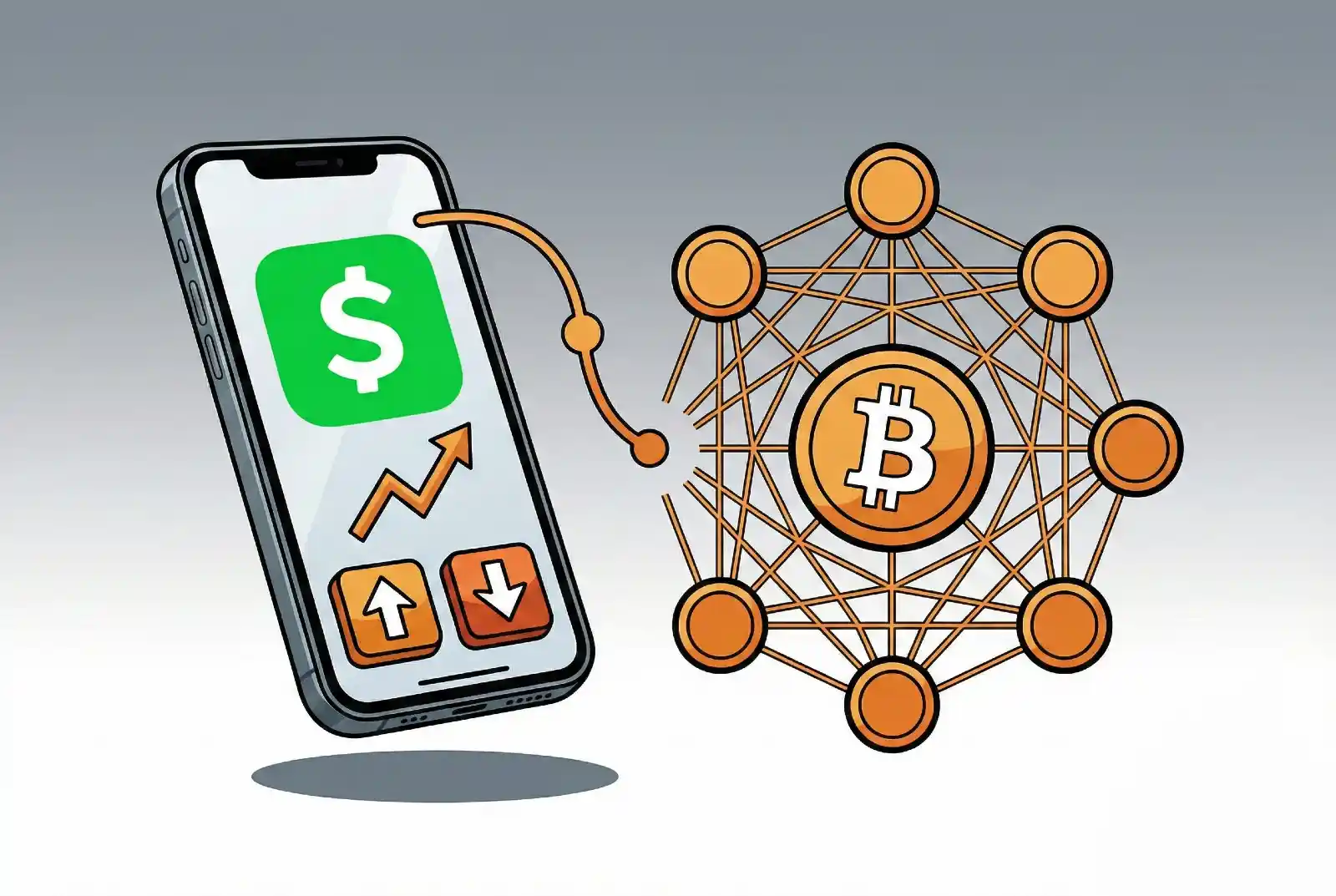
Cash App, the mobile payment service from Block, Inc., allows users to buy, sell, and send Bitcoin directly within the app. For people already familiar with Cash App for peer-to-peer payments, this feature offers a simple entry point into cryptocurrency without needing to sign up for a separate trading platform.
This article explains how Bitcoin works on Cash App, breaks down the fees, outlines purchase limits, and helps you decide if Cash App fits your situation.
This article is for informational purposes only and does not constitute financial, investment, or trading advice. Cryptocurrency investments carry significant risk. Always conduct your own research and consult a qualified financial advisor before making investment decisions. Crypto-News.Net is not affiliated with Cash App or Block, Inc.
How Bitcoin Works on Cash App
Cash App’s Bitcoin feature is built into the main app, requiring no additional downloads or account creation.
Buying Bitcoin: Navigate to the Bitcoin tab, enter the amount you want to purchase (in dollars or BTC), and confirm the transaction. Purchases process instantly using your linked bank account, debit card, or Cash App balance.
Selling Bitcoin: From the same Bitcoin tab, select “Sell,” enter the amount, and confirm. Proceeds go to your Cash App balance, which you can then transfer to your bank or spend using your Cash Card.
Sending and Receiving: According to Cash App’s official documentation, users can send Bitcoin to personal wallets outside the app or receive Bitcoin from other sources. This requires identity verification.
Cash App Bitcoin Fees
Understanding the total cost of buying Bitcoin on Cash App requires looking at two components: the trading fee and the spread.
Trading Fees: Cash App uses a tiered fee structure, but the structure differs based on purchase size. For smaller purchases ($1 to $100), Cash App charges fixed dollar fees rather than percentages:
| Purchase Amount | Fee |
|---|---|
| $0 – $0.99 | 3% |
| $1 – $5 | $0.25 |
| $5.01 – $10 | $0.49 |
| $10.01 – $25 | $0.99 |
| $25.01 – $50 | $1.49 |
| $50.01 – $100 | $1.99 |
For purchases above $100, Cash App switches to percentage-based fees that decrease as purchase size increases: 2% for $100-$200, dropping gradually to 0.75% for purchases over $5,000.
Spread: A spread is the difference between the buy and sell price. Think of it as an additional cost built into the price you pay. Cash App adds a spread of 0% to 1% on most transactions, on top of the trading fee.
Total Cost: The effective cost varies significantly by purchase size. Small purchases ($1-$50) have high effective rates of 3-25% due to fixed fees. Mid-range purchases ($100-$1,000) cost approximately 2-3% including spread. Large purchases over $1,000 cost under 2%.
Fee-Free Options: Cash App’s Auto-Invest feature (for recurring purchases), Round Ups, and Paid in Bitcoin options charge no fees and no spread, making them the most cost-effective ways to buy Bitcoin on Cash App.
Cash App Bitcoin Limits
Cash App imposes different limits based on your verification status.
Unverified Accounts: You can send and receive up to $1,000 combined within any 30-day period.
Verified Accounts: After verification, sending limits increase to $7,500 per week, with unlimited receiving. However, Cash App adjusts individual limits based on account activity, so check your app for your specific limits.
Verification requires providing your full legal name, date of birth, and Social Security Number or ITIN.
Withdrawal Fees: If you transfer Bitcoin to an external wallet, Cash App offers three speed options:
- Standard (within 24 hours): Free (minimum 100,000 satoshis)
- Rush (within 2 hours): Network fee plus up to $2
- Priority (within 10 minutes): Network fee plus up to $3
Is Cash App Good for Bitcoin?
Cash App works well for certain users but has limitations that make it unsuitable for others.
Pros:
- Easy to use within a familiar interface
- Quick setup for existing Cash App users
- Good for beginners making occasional purchases
- Auto-Invest eliminates fees entirely for recurring buys
Cons:
- Small purchases ($1-$50) have high effective fee rates due to fixed fees
- Currently only supports Bitcoin (though Block announced plans to add USDC stablecoin support in early 2026)
- Cash App holds your Bitcoin for you (you don’t control it directly)
- Limits may be lower than dedicated exchanges
Cash App is best suited for users who plan to use Auto-Invest for regular purchases (which eliminates fees) or those making mid-to-large purchases where the percentage-based fees become competitive. For small one-time purchases under $50, the fixed fees make Cash App relatively expensive.
Cash App Bitcoin appeals primarily to beginners, existing Cash App users who want to add Bitcoin to their routine, and those who prefer the simplicity of an all-in-one financial app over dedicated cryptocurrency exchanges.
Cash App Bitcoin vs. Exchanges
For users deciding between Cash App and a cryptocurrency exchange, consider these differences:
| Feature | Cash App | Dedicated Exchanges |
|---|---|---|
| Cryptocurrencies | Bitcoin only (USDC coming 2026) | 200+ (varies by exchange) |
| Typical Fees | Fixed fees for small buys; 0.75-2% for larger buys | 0.1-0.6% (advanced trading); 1.5-4% (simple buy interfaces) |
| Who Holds Your Bitcoin | Cash App | You or the exchange (varies) |
| Fee-Free Options | Auto-Invest, Round Ups | Varies; some offer fee-free promos |
| Learning Curve | Minimal | Moderate |
Note that the low fees often cited for exchanges (0.1-0.5%) apply to advanced trading interfaces. Simple buy/sell features on major exchanges often charge 1.5-4%, which can be comparable to or higher than Cash App for mid-range purchases.
For a comprehensive guide to purchasing Bitcoin through various methods, see our article on how to buy and sell Bitcoin.
Security Considerations
When you buy Bitcoin on Cash App, the company holds it for you. This is similar to how a bank holds your dollars. You can see your balance and send Bitcoin, but Cash App controls access to it.
This setup has trade-offs:
Convenience: You don’t need to manage passwords or backup codes. If you forget your Cash App login, you can recover your account. Cash App offers Face ID, Touch ID, and PIN protection for Bitcoin transactions.
Control: If Cash App experiences problems, gets hacked, or freezes your account, you could lose access to your Bitcoin. The cryptocurrency community summarizes this risk with the phrase “not your keys, not your coins,” meaning if you don’t control your Bitcoin directly, you’re trusting someone else with your money.
When to Move Your Bitcoin: If you accumulate a significant amount of Bitcoin, consider transferring it to a personal wallet that you control. Cash App allows Bitcoin withdrawals for this purpose.
Conclusion
Cash App provides a convenient way to buy, sell, and send Bitcoin for users who prioritize simplicity. The fee structure favors users who either use Auto-Invest (which is completely free) or make larger purchases where percentage-based fees are competitive with exchanges.
For small, one-time purchases under $50, the fixed fees make Cash App relatively expensive. For those seeking access to multiple cryptocurrencies or the lowest possible fees, dedicated exchanges with advanced trading interfaces remain the better option.
Regardless of which method you choose, remember that Bitcoin is volatile and you should never invest more than you can afford to lose.
Sources
- Cash App. (2025). Bitcoin Fees. https://cash.app/help/us/en-us/3103-bitcoin-fees
- Cash App. (2025). Increase Cash Limits. https://cash.app/help/us/en-us/3122-increase-cash-limits
- Block, Inc. (2025). Cash App Bitcoin Operations. https://cash.app/
- Weiss, B. (2025, November 13). New Cash App features let users send and receive stablecoins, pay merchants in Bitcoin. Fortune. https://fortune.com/2025/11/13/cash-app-stablecoins-block-bitcoin-jack-dorsey/
